
Getting started
Sign up, start your trial, and tell the agent who to reach. It finds and qualifies people from public data with nothing connected.
BeReach finds and qualifies the right people for you, then drafts outreach you approve. You can start in a couple of minutes with nothing connected.
Sign up and start your trial
Open chat.bereach.ai and sign up with Google or your email. Nothing to connect. You get a 3-day trial and land in a chat that is ready to work.
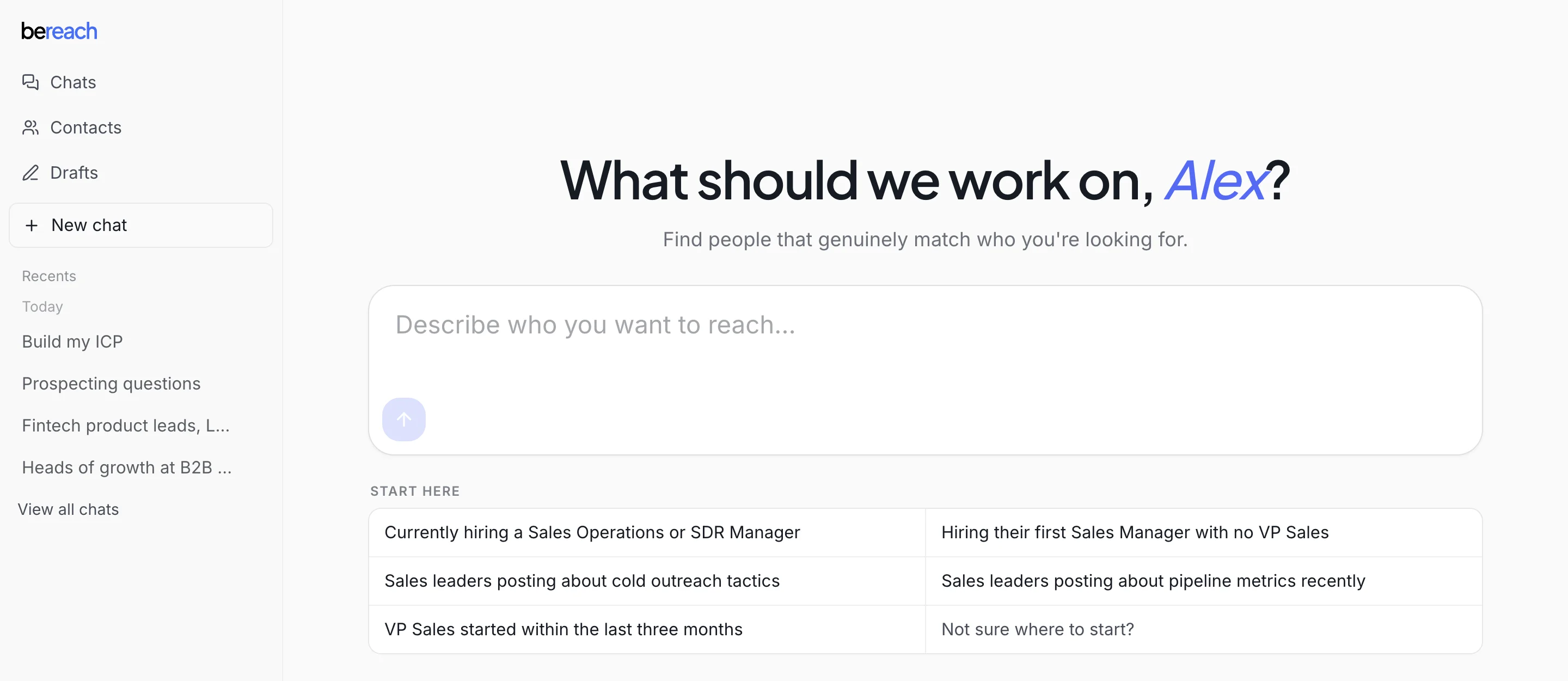
You do not connect an account to get started. The agent plans and finds people from public data across the open web with nothing connected. You only connect an account later, when you are ready to send real outreach.
Your AI is included
The agent runs on BeReach 1.1 Flash, included in every plan. There is nothing to configure: no key to bring and no model to pick. Sign in and start.
Tell the agent who you want to reach
The fastest way to see BeReach work is to describe the people you want. In your first chat, try something like:
find heads of growth at SaaS companies in Paris
The agent searches public data and comes back with a list of matching people it found, with names, roles, and companies, right there in the chat. It qualifies them against what you asked for, so what you see is a real starting point for your outreach.
From here you tune who counts as a good fit, then connect your account when you are ready to reach out.