
Generate leads
Find people from public data with nothing connected, and grade them against your ICP whenever you want to. This is where your list comes from.
New to BeReach?
Start with the getting started guide. You sign up, start a trial, and tell the agent who you want to reach. Nothing to connect yet.
Before you reach out to anyone, you need a list of the right people. BeReach finds them and qualifies each one against your ideal customer, all from public data across the open web with nothing connected. You only connect an account later, when you are ready to send. This page is about the finding.
How the agent learns your context
You do not fill in a long form. The agent picks up what it needs in a few pieces.
- About you. The agent learns your business once: who you are and what you sell. It carries across every chat, so you never repeat it.
- Your ICP. The short description of who you want to reach. You build it once in a quick guided setup and the agent test-tunes it on a small public sample. Full details are in Define your ideal customer.
- Your voice. Each chat has its own, and it is what the agent writes against once you are ready to reach out. It has no bearing on finding or grading people. See your voice.
- Sources. The lists the agent builds from, covered below.
The AI is BeReach 2.0 Flash, included and managed for you. There is nothing to set up.
Where your list comes from
You point the agent at a source, it pulls the people, and it can grade each one against your ICP if you ask. All of this runs on public data with nothing connected.
| Source | What it finds |
|---|---|
| People search | People by role, seniority, industry, and location. |
| Company search | Companies that fit, then the right people inside them. |
| Post search | Recent posts on a topic, then the people who wrote them. |
| People on a post | Everyone who liked or commented, higher intent than a passing view. A preview to start with, or the full saved list once you connect. |
A few deeper reads use a connected account: a real profile visit, and a person's own past posts. Everything else, and all grading, runs with nothing connected. See Connect an account for when that matters.
How grading works
Grading is optional and runs when you ask for it. When it does, the agent reads each person's public profile in full and measures them against your ICP. People who fit get a short note on why. People who do not are removed from your list rather than being contacted.
See Usage limits for the full picture, including how to preview a run before it spends anything.
Your list
Every person the agent finds becomes a contact on your list, whether or not you ever ask it to grade them.
- In your list. Found, ungraded. You can reach out anytime.
- Fit. Graded and matched your ICP.
- Not a fit. Graded and judged a mismatch. Removed from your list.
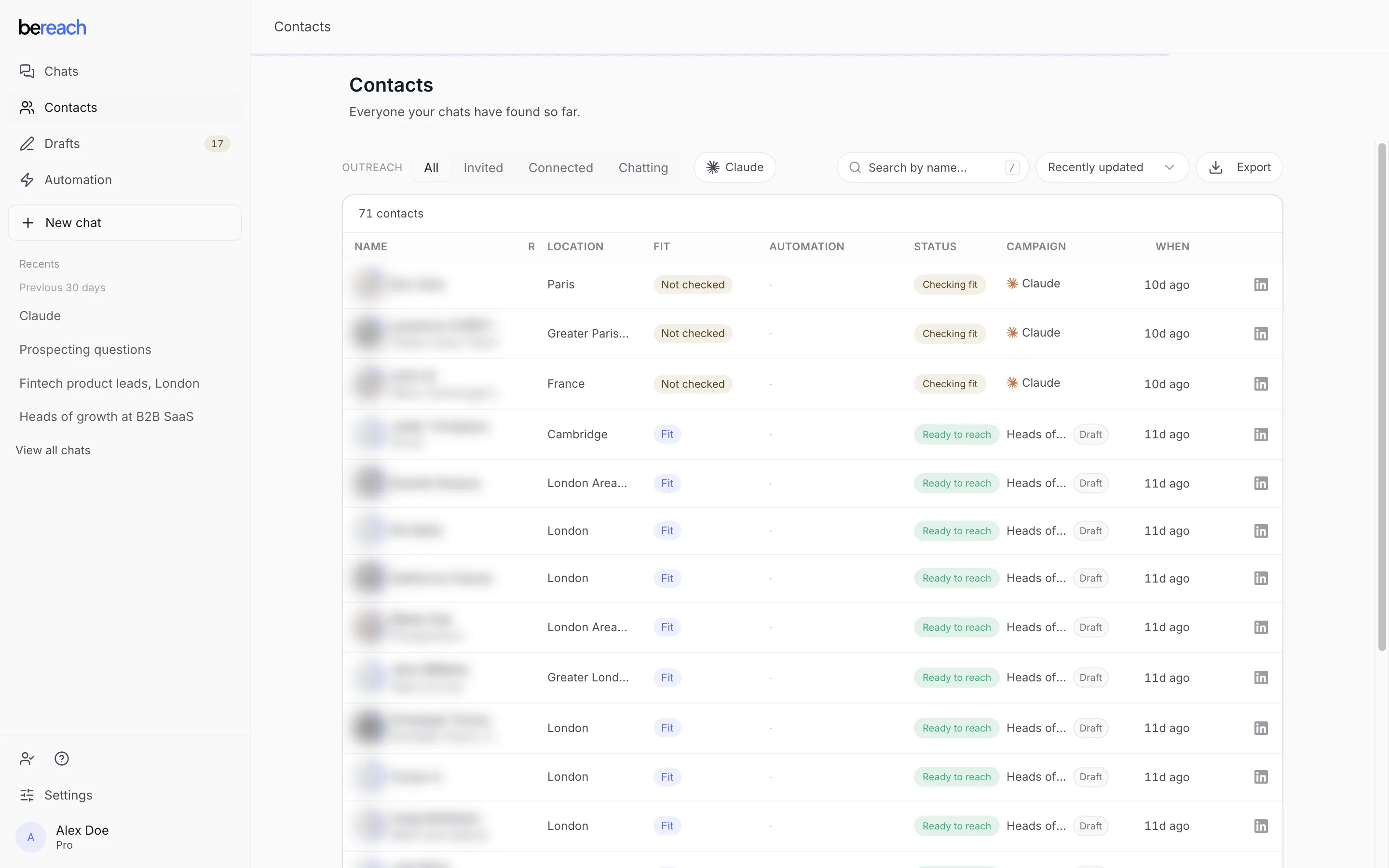
Names and employers are blurred here. In your workspace they are the real people.
Nothing gets sent from finding people. Work starts when you ask the agent to reach out and you approve the drafts it writes. See Reach out for that step, or what happens to a person for the whole path and every place someone can stop.
Ask the agent
Describe who you want in plain language and let the agent do the finding.
Find heads of marketing at B2B software companies in Germany,
qualify them against my ICP, and add matches to my list.
Want a warmer source? Point it at engagement instead of a plain search.
Find the people who commented on this post, qualify them
against my ICP, and add the matches to my list.
You can keep going in the same chat. Ask for more, tighten the ICP when too many weak fits show up, or broaden it when too few come through.
What's next
Define your ideal customer
Describe who you want to reach once, then reuse that profile in every chat.
Reach out
Review, approve, and send personalized messages from your own account.
Advanced lead gen strategies
Mix sources and signals to find higher-quality leads.
Usage limits
See how finding people uses your budget and how to preview a run first.