
Getting started
Sign up, tell Vera who you want to reach, approve her plan, and get a list of people with a first message for each.
Sign up
Open chat.bereach.ai and sign up with Google or your email. Nothing to install, no AI key to bring: the AI is included.
| You get | Free | 14-day Pro trial or a paid plan |
|---|---|---|
| Your first search with Vera | Yes | Yes |
| First messages written | Up to 5 | Yes |
| The free tools | Yes | Yes |
| Chats, the Agents page, Contacts, Drafts, Connections | No. Milo's first run works, then offers the trial | Yes |
| Credits each month | 200 | 2,000 on the trial, more on paid plans |
The trial starts from the app and goes through checkout. The day before it ends, we email you; from then on your card pays for Pro, and replying to that email stops it.
Tell Vera who you want to reach
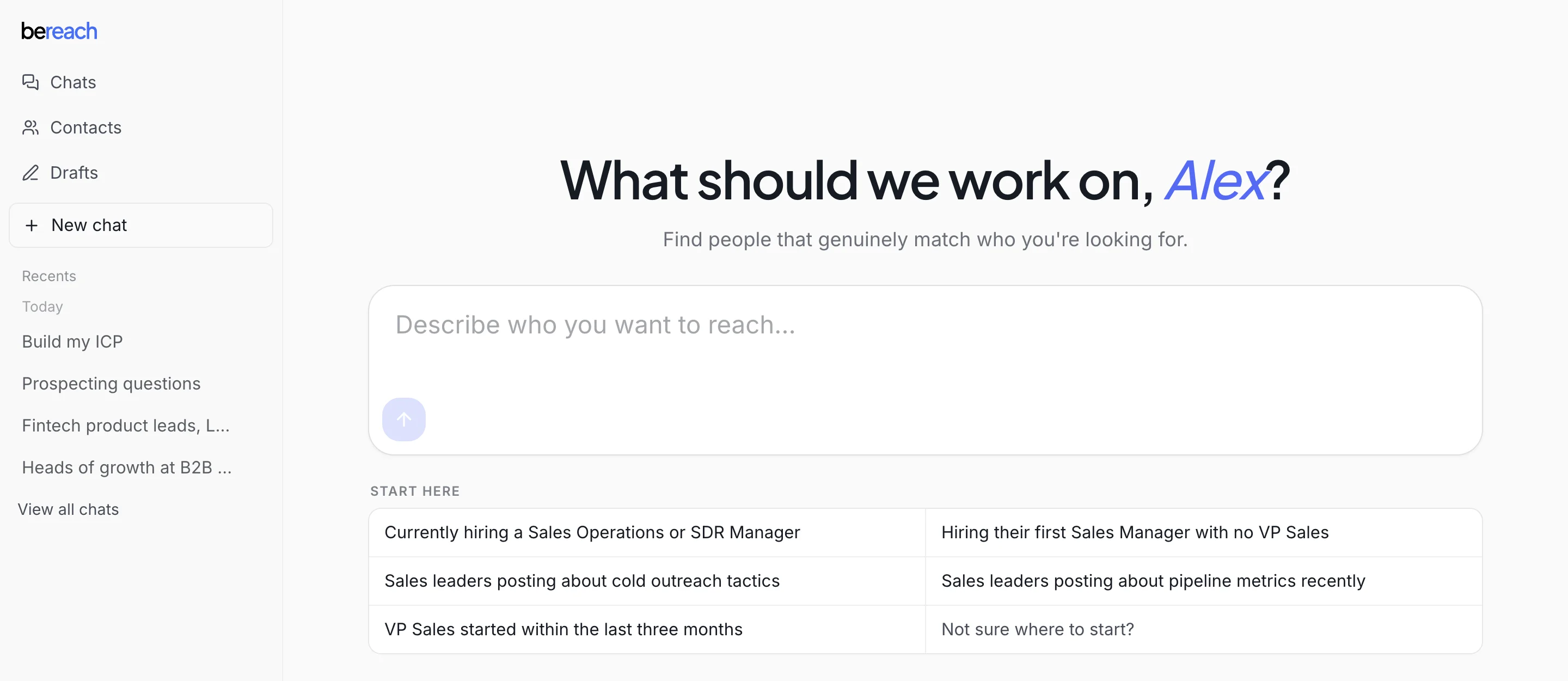
Say it in one sentence, or give her your website and she works out who buys from you.
Find heads of growth at B2B SaaS companies in France, Germany, the UK and the Netherlands.
Leave out agencies and recruiters.
What happens next
- 1
Vera shows you a search plan
The roles, kinds of company and places she will search. Say yes, or change it in a sentence. See Your ICP.
- 2
She finds the people
They are saved to the chat's list, in the People panel on the right, with role, company, place and status.
- 3
You connect your account
One paste, when you are ready to reach out. Connect your account.
- 4
She writes their first messages
Tick people in the People panel and press Start outreach. The first time, Vera asks in the chat how your messages should sound. Then press Write and Vera writes one for each person, opening on something they posted or did. See Drafts and your voice.
- 5
You approve, they go out
Approve them, and they leave your account one at a time. See Sending and pacing.
What needs your account
Finding people and companies, and reading profiles, company pages and posts, run on public data with nothing connected. Your first run writes up to 5 messages with nothing connected. After that, writing needs your connected account.
Your connected account is also needed for everything that acts as you: invites, messages, the full list of who engaged with a post, your own posts and network, your inbox.